



Description
Download Quick App LaunchCocoPPa Pot APK – organize apps, customizable home screen, lightweight Android tool
Overview
Quick App LaunchCocoPPa Pot is a free Android application developed by UNITED Inc. designed to streamline app organization on mobile devices. The software enables users to create a personalized, customizable home screen that reflects their preferred app layout and workflow. It serves as a lightweight utility for individuals seeking a cleaner, more intuitive way to access their frequently used applications without relying on full third-party launchers. The primary purpose of the app is to simplify the process of managing and launching apps through a minimal, user-friendly interface.
Target users include Android device owners who want greater control over their home screen layout, especially those who find default launchers cluttered or inefficient. The app is ideal for users who value simplicity, speed, and customization without added bloat. Real-world usage scenarios include organizing work-related apps, setting up quick-access toolkits for daily routines, or creating themed home screens for different activities such as productivity, entertainment, or travel.
The developer did not provide additional system requirements or detailed background information. However, the app’s focus on minimalism and performance suggests it is built with efficiency in mind. Its free, ad-free, and in-app purchase-free model enhances accessibility and trustworthiness for users seeking transparent, no-cost solutions.
Key Features & Capabilities
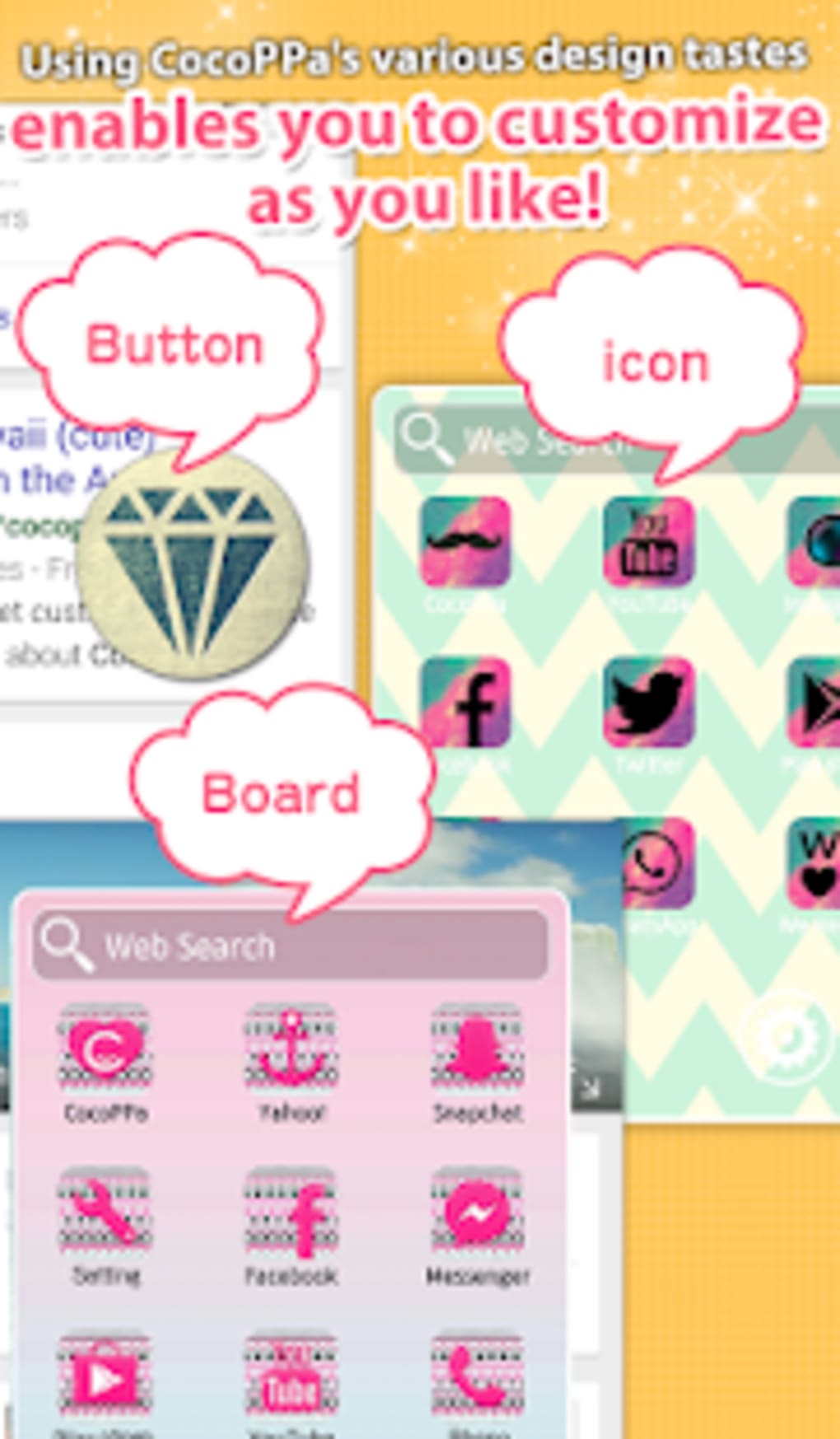
- Customizable Home Screen: Users can rearrange and organize apps into personalized layouts, creating a unique interface tailored to their workflow and preferences.
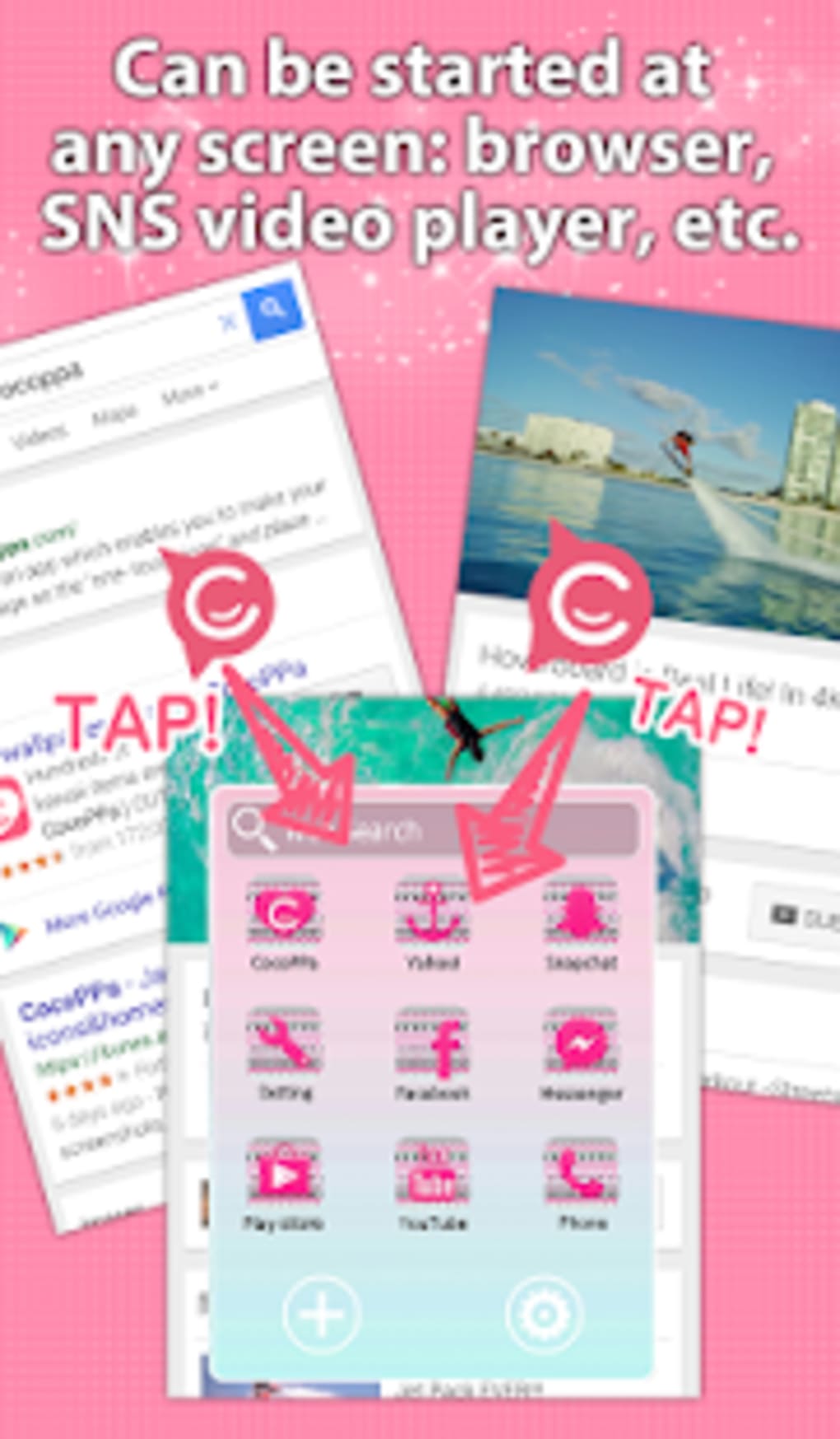
- One-Tap App Addition: Simply tap and hold any app icon to reveal a quick-add button in the bottom right corner, allowing instant placement on the home screen with a single tap.
- Lightweight Design: The app is optimized for minimal resource consumption, ensuring smooth performance across a wide range of Android devices, including lower-end models.
- Ad-Free Experience: The software operates without advertisements or in-app purchases, maintaining a clean and uninterrupted user experience.
- Universal App Integration: Supports adding icons for any installed application, offering full flexibility in app selection and organization.
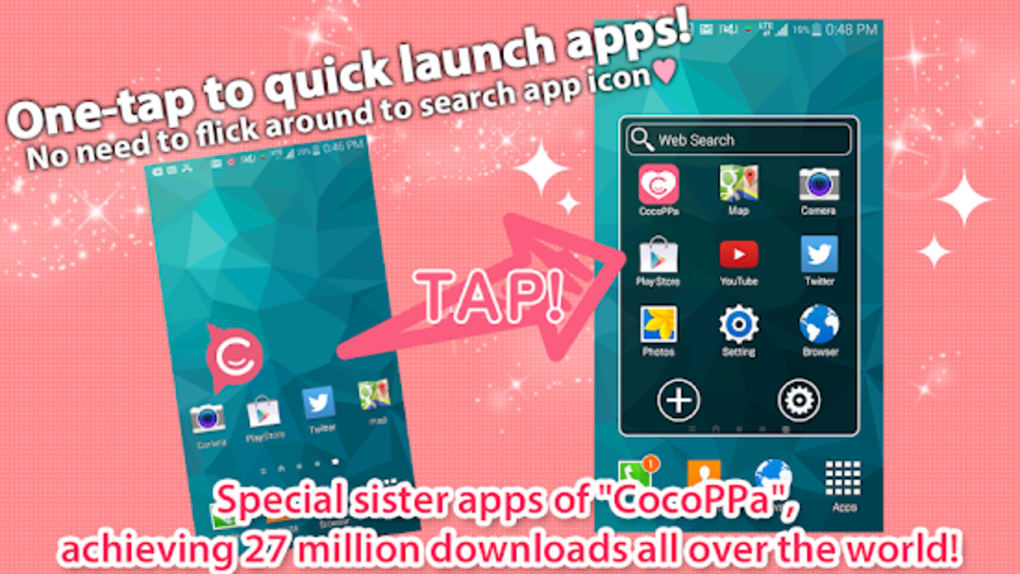
These features collectively enhance user efficiency by reducing the time needed to locate and launch applications. For example, a user can quickly group all communication tools—such as messaging, email, and video calling apps—into one dedicated section for faster access. Similarly, a student might organize study-related apps like note-taking tools, flashcards, and calendars into a single workspace. The seamless integration with existing Android apps makes the tool highly adaptable to diverse use cases.
User Interface, Workflow & Performance
The user interface of Quick App LaunchCocoPPa Pot is designed around simplicity and ease of use. The layout emphasizes intuitive gestures, such as long-pressing an app icon to trigger the quick-add function, which reduces cognitive load and minimizes the learning curve. Navigation is straightforward, with minimal on-screen clutter, allowing users to focus on customization without distraction.
Workflow efficiency is enhanced through direct interaction—users can add, move, and manage app icons with minimal steps. The app’s design promotes a tactile, responsive experience, aligning with Android’s gesture-based navigation principles. However, exact performance details were not specified by the developer, including CPU or RAM usage patterns. General software behavior suggests it operates efficiently in the background, but specific benchmarks are unavailable.
Stability and reliability appear to be prioritized, as the app functions without ads or in-app purchases, which often contribute to performance degradation. The developer did not provide information on crash rates, update frequency, or background processes. Based on its lightweight nature and intended use, it is likely to maintain consistent performance across various device configurations.
Compatibility & System Requirements
Quick App LaunchCocoPPa Pot is designed for Android devices and is available as an APK file for direct installation. The app supports a wide range of Android versions, though the specific version requirements were not listed. Users should ensure their device meets the minimum Android OS standards required for APK installation.
Installation size is not explicitly provided, but the software is described as lightweight, indicating it occupies minimal storage space. This makes it suitable for devices with limited internal memory. The developer did not specify hardware requirements such as RAM, processor speed, or GPU capabilities. As such, exact compatibility details remain unclear.
Platform compatibility information is limited. While the app is intended for Android, users should verify that their device allows sideloading of APK files, as this is required for installation outside official app stores. The absence of official store listing may affect automatic update delivery, requiring manual checks for new versions.
Pros and Cons
Pros
- Completely free with no ads or in-app purchases
- Lightweight and optimized for smooth performance
- Simple, intuitive interface with minimal learning curve
- One-tap app addition via long-press gesture
- Full compatibility with any installed Android app
Cons
- No official app store listing; requires APK installation
- Exact system requirements and OS version compatibility not specified
- Limited visibility into update frequency and support status
- May lack advanced customization options found in full launchers
- Relies on user manual updates due to no automated update system
FAQ Section
Is Quick App LaunchCocoPPa Pot safe to download and install?
The app is described as free, ad-free, and without in-app purchases, which reduces the risk of malicious behavior. However, since it is distributed as an APK, users should ensure they download it from a trusted source to avoid potential security threats.
Can I use this app on any Android device?
While the app is designed for Android, specific compatibility details such as minimum OS version or hardware requirements were not provided. Users should verify their device’s ability to install APK files and ensure it meets general Android compatibility standards.
Does the app require an internet connection?
The software operates primarily offline, allowing users to organize and launch apps without an active internet connection. However, updates may require internet access if delivered manually.
How often are updates released?
The update frequency is not specified by the developer. Users may need to manually check for new versions, especially since the app is not available through official app stores.
Is the app available on Google Play or other app stores?
As of now, there is no indication that Quick App LaunchCocoPPa Pot is listed on Google Play or other official app stores. It is distributed directly as an APK file, which means users must enable sideloading to install it.
Final Thoughts + CTA
Quick App LaunchCocoPPa Pot delivers a focused, efficient solution for Android users seeking to organize their apps without the complexity of full launchers. Its lightweight design, ad-free model, and intuitive one-tap addition system make it a compelling choice for those who value simplicity and speed. While the lack of official store listing and detailed compatibility information may raise concerns for some users, the app’s transparent approach to privacy and performance is a strong advantage.
It is best suited for individuals who want a no-frills, customizable home screen experience without bloat. Whether for daily productivity, quick access to tools, or personal organization, the app provides a reliable foundation. For users looking to enhance their Android experience with minimal effort, this tool offers real value.
Download Quick App LaunchCocoPPa Pot now
Guides & Tutorials for Quick App LaunchCocoPPa Pot APK
How to install Quick App LaunchCocoPPa Pot APK
- Click the Preview / Download button above.
- Once redirected, accept the terms and click Install.
- Wait for the Quick App LaunchCocoPPa Pot APK download to finish on your device.
How to use Quick App LaunchCocoPPa Pot APK
This software is primarily used for its core features described above. Open the app after installation to explore its capabilities.
User Reviews for Quick App LaunchCocoPPa Pot APK 0
No reviews found





